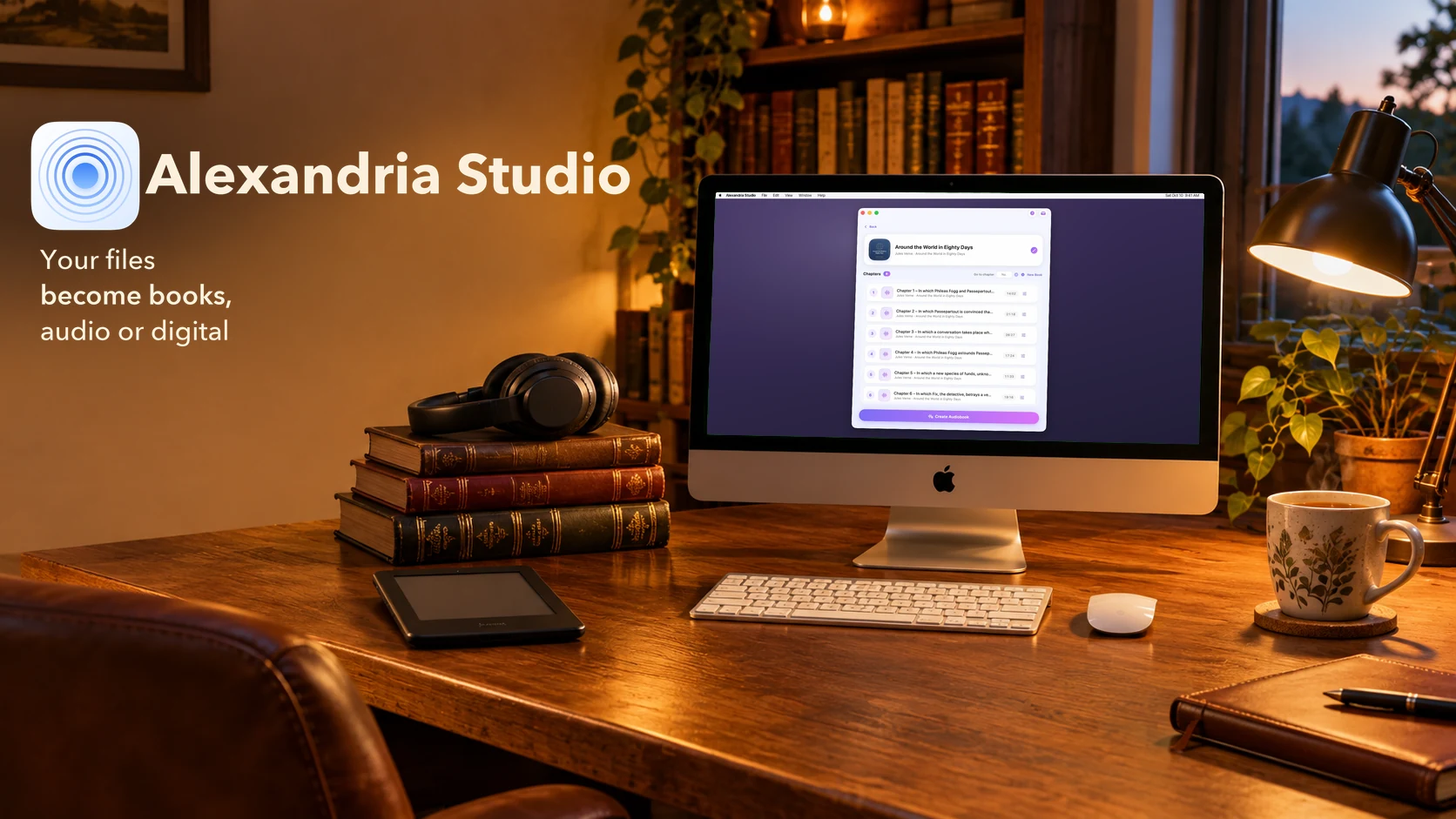
Your files
become books.
Alexandria Studio merges your recordings into an audiobook, or assembles your images and PDFs into an ebook — chapters, cover art, metadata — ready for Apple Books. Everything happens on your Mac.
macOS 13 or later · Apple Silicon
New in Alexandria Studio 2.1.
A free update, coming soon to the Mac App Store.
Edit your books
“Edit” reopens a finished book to change its metadata, its cover, or the order of its chapters and pages.
Re-edit an .m4b
Drop an existing audiobook: its chapters, metadata and cover are brought back in, ready to touch up.
Reopen any ePub
“Edit an ePub…” changes the page order, metadata or cover of an existing ePub.
Sort in one click
Sort chapters and pages by title, file name, duration, size or date — or reorder them by drag and drop.
A queue you control
Reorder waiting books, pause an audiobook, or cancel a creation without leaving an incomplete file behind.
Several PDFs at once
Add several PDFs or comics: one single book, or one book per file. And copy a cover with a right-click.
Three steps, one audiobook.
No complex settings, no command line — Alexandria Studio takes care of everything.
Drop your files
MP3, M4A, WAV… each file becomes a chapter. Reorder them with a simple drag and drop.
Fill in the details
Title, author, narrator, series, genre, language, cover art — everything a well-identified book needs.
Export your book
A single .m4b file with its chapters, ready to open in Apple Books.
Everything an audiobook deserves.
Automatic chapters
Each file you add becomes a chapter, in the order you choose.
Full metadata
Title, author, narrator, series, genre, year, language, copyright, description.
Custom cover art
Choose your book's artwork — it shows up right in Apple Books.
Live progress
Progress and a detailed log during conversion — you always know where things stand.
Light, dark, your color
The appearance follows the system or your choice, with a custom accent color.
Apple Books ready
Chapters, metadata and cover art embedded right in the .m4b file.
Your images or a PDF,
as an ebook.
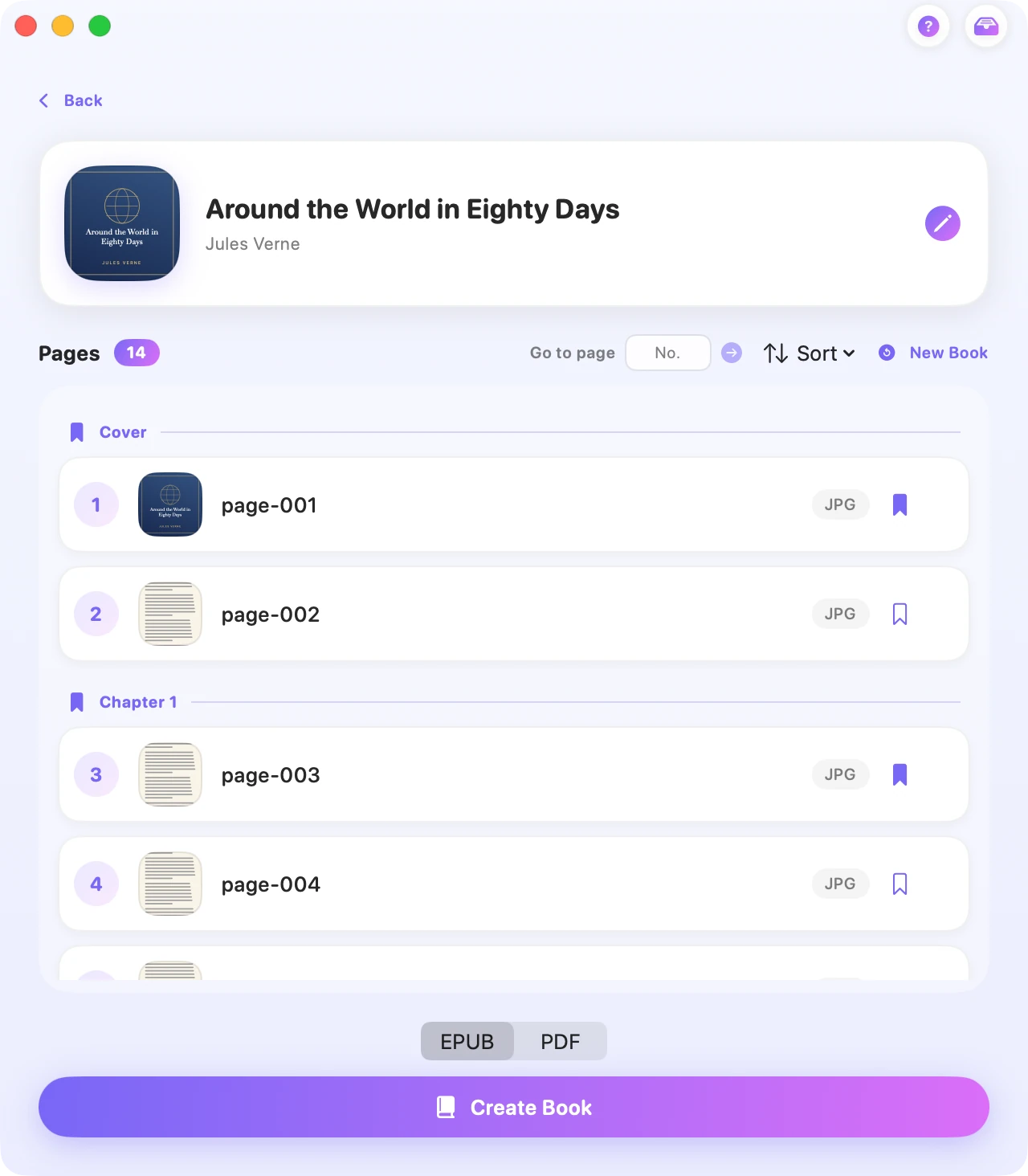
Assemble images or import an existing PDF to make an EPUB or a PDF ready to read. Each image becomes a page; a PDF is split automatically, and each bookmark becomes a chapter.
Three steps, one ebook.
Images, scans or a PDF: Alexandria Studio turns them into a real book.
Drop your images or a PDF
Each image becomes a page. An existing PDF is split automatically: each page becomes an image, each bookmark a chapter.
Reorder and fill in
Sort pages by name, size or date, then fill in the title, author and cover artwork.
Export as EPUB or PDF
Choose the output format that suits you, ready for Apple Books.
Your files never leave your Mac.
Alexandria Studio works entirely locally. Audio merging, assembling images or PDFs, and writing metadata and chapters all happen on your machine, never going through a server.
- No internet connection required
- No account, no sign-up
- No usage data collected
A question, a problem?
Alexandria Studio is made by one person. Write directly — every message is read and gets a real answer.