
Your network.
From above.
LanHawk finds the devices on your local network, their name, their manufacturer and the services they offer. Everything is analyzed on your Mac.
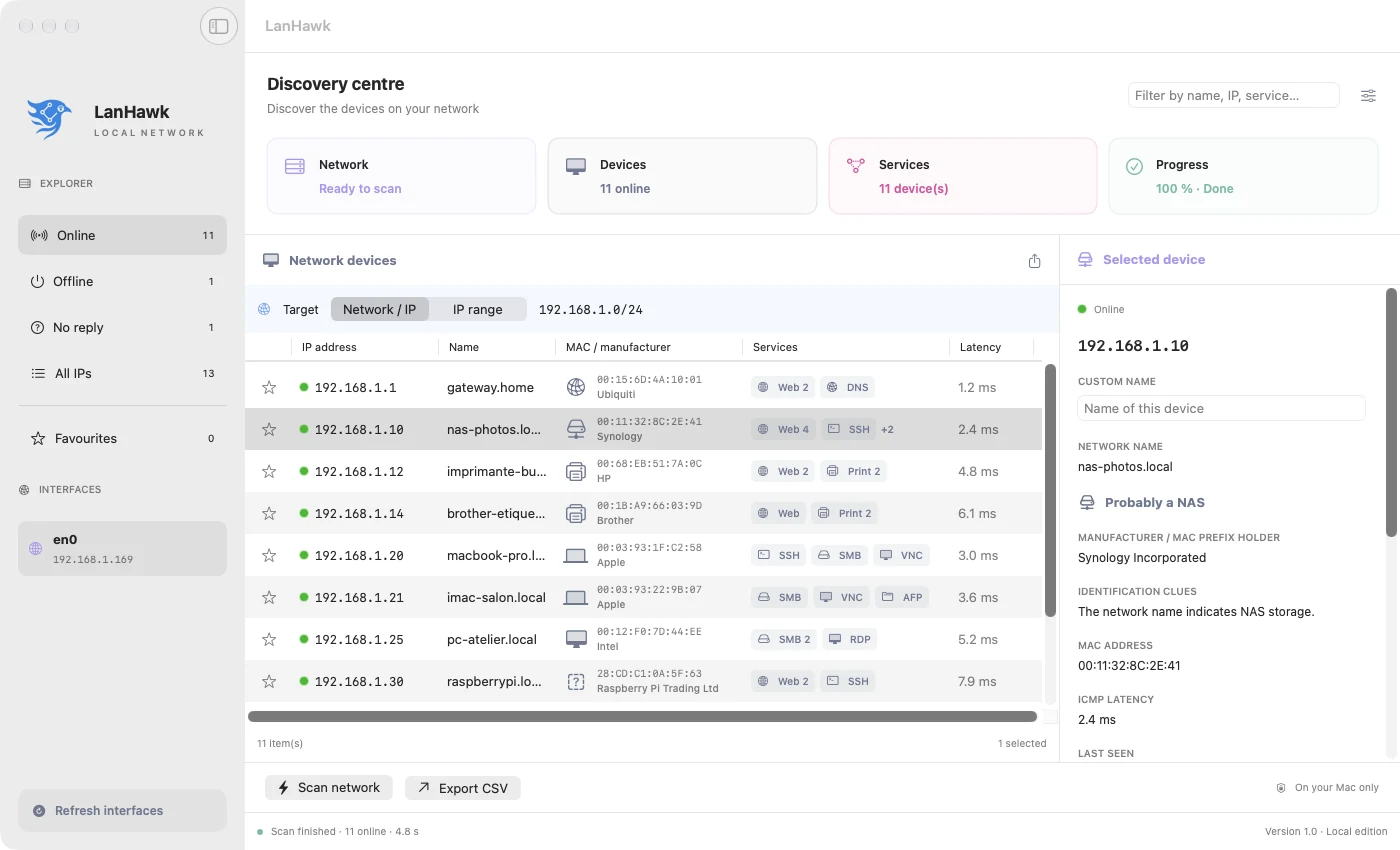
Every device,
in detail.
Network name, manufacturer identified from the MAC address, estimated device type and the clues behind it, latency, last seen: everything LanHawk knows about a device, and a name you can give it.
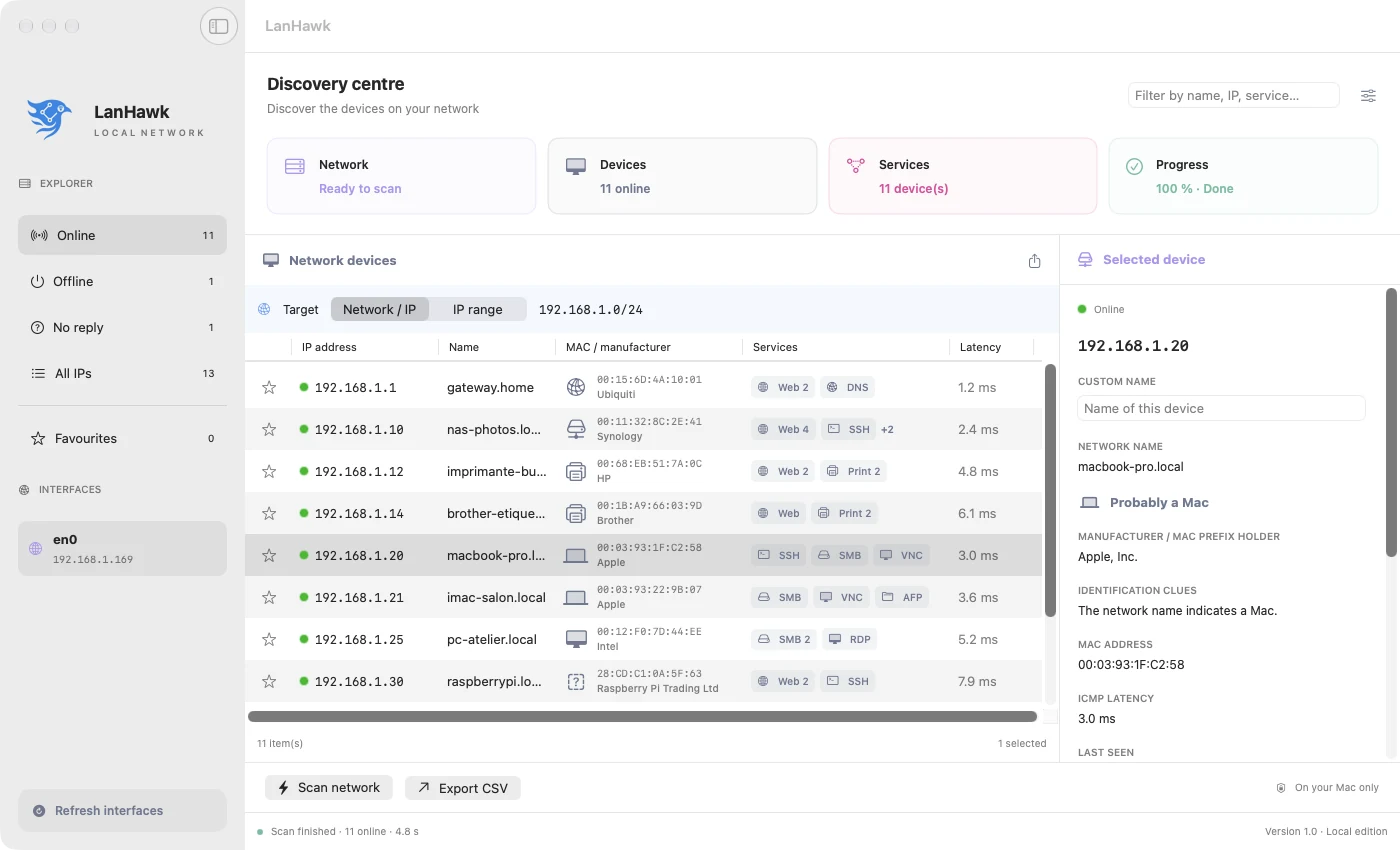
A hawk's eye on your network.
Two-pass scan
A whole network or a range of addresses: LanHawk checks each address twice so slow devices aren't missed.
Online, offline
Devices seen before stay listed when they're switched off, with the last time they were detected.
Manufacturer and type
Manufacturer identified from the MAC address in the public IEEE registries, and an estimated device type: printer, NAS, router, phone…
Services
Web, file sharing, SSH, printing, remote desktop: open services are grouped into badges.
Direct actions
Open a web page, an SSH session or a file share in one click, and wake a device remotely (Wake-on-LAN).
IPv6
IPv6 addresses attached to their device when they share the same MAC address.
Favorites and names
Name your devices and keep the important ones as favorites.
CSV export
Export the current view for a spreadsheet, with status and last detection.
What happens on your network stays there.
LanHawk only queries the local network you choose to scan. MAC addresses are identified from a database built into the app, with no online service, and the history stays on your Mac.
- No account to create
- No address sent to any external service
- No usage data collected
A question, a problem?
LanHawk is developed by one person. Write directly: every message is read and gets a real answer.
Coming soon to the App Store.
LanHawk is being finished. It will be available on the App Store for Mac.
- Device
- Mac (macOS 14 or later)
- Network
- Local, IPv4 and IPv6
- Account
- None