Your study cards.
Made, printed, reviewed.
Write your cards, pick a style, print double-sided: one simple cut and they're ready. Mind maps, review and folders included.
macOS 14 or later · iPadOS 17 or later · Windows 10 or 11
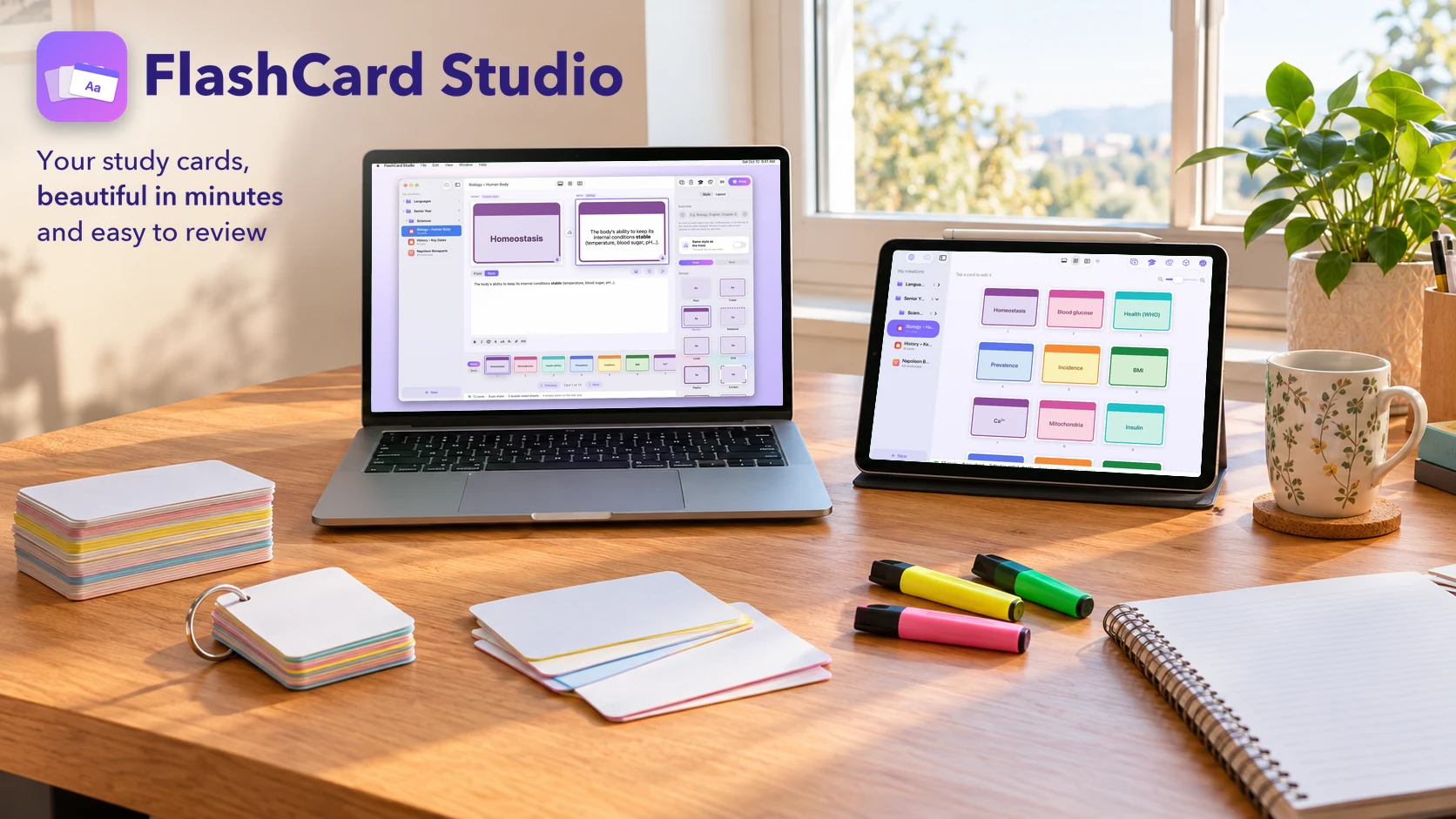
Three steps. Cards ready to use.
From typing to cutting, everything happens in one app.
Write
One card at a time, or paste a whole “term: definition” list at once from Excel, Numbers, Word or your notes.
Pick a style
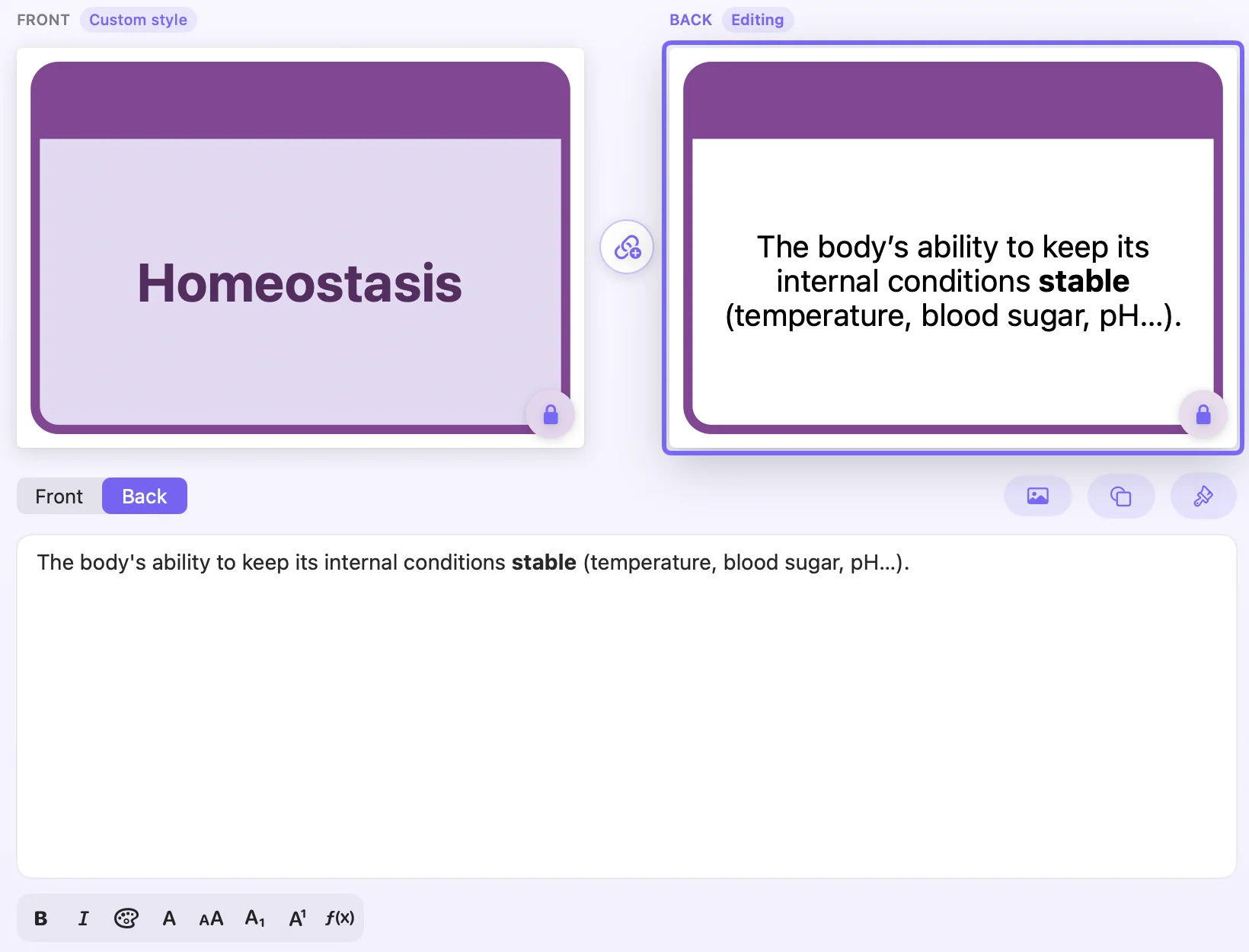
Frame, header, notepad, lined or grid paper, colours, fonts, size, vertical cards, one or more ring holes.
Print and cut
Print double-sided on your own printer, cut by hand or with a Cricut. All that's left is to cut.
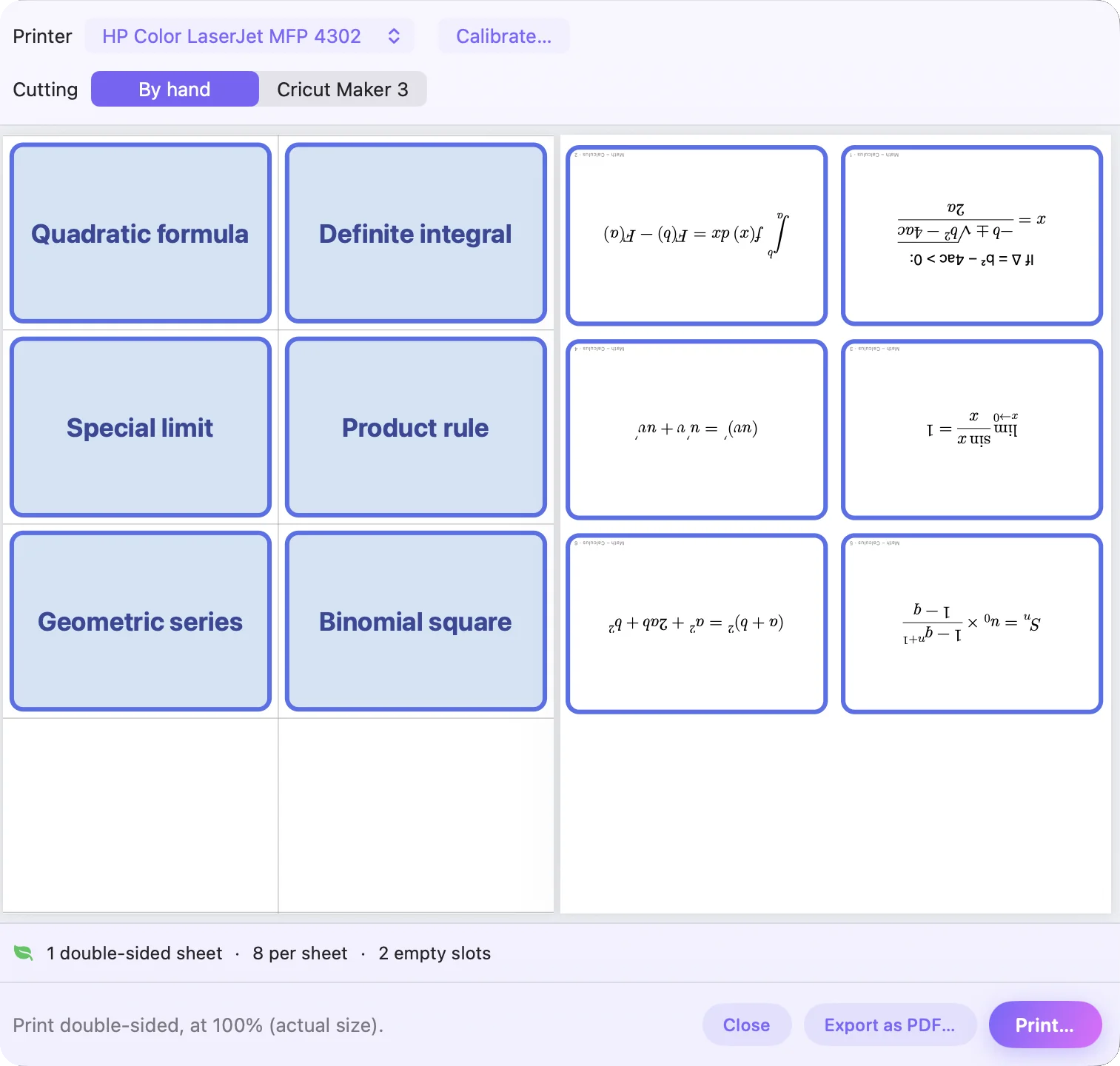
Double-sided,
without wasting paper.
The preview shows the real sheets and how many you'll use, so you never print “just to check”. One card to redo? Reprint only the ones you pick.
Every subject
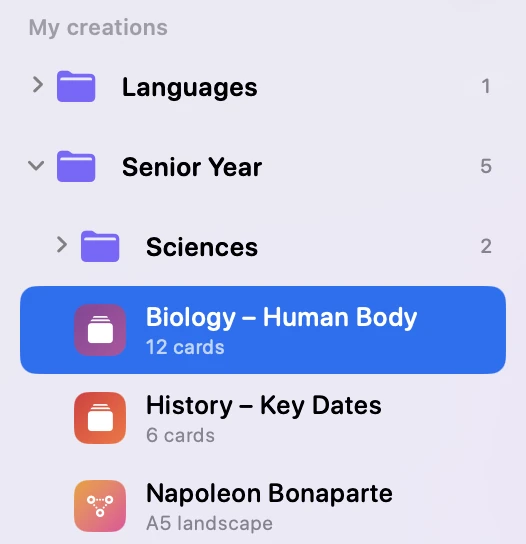
in its place.
Keep decks and mind maps in folders and subfolders — French › Year 11 › Prefixes. Drag and drop to reorganise, and share an entire folder as a single file: it opens exactly the same on the other end, styles, sizes and images included.
What you type
is what you print.
Tap the front or the back and type in a single, roomy text field: bold, italic, colours, subscripts and superscripts show up right there, with spell checking. Add a shape around the text or freeform shapes, place the title next to the ring hole, then copy one card's style and paste it onto all the others.
Mind maps,
in your style.
An idea in the middle, branches, timelines, wheels, sticky notes: you place everything by hand, and one click restyles the whole map. Printed in A4, A5, A6 or A7.
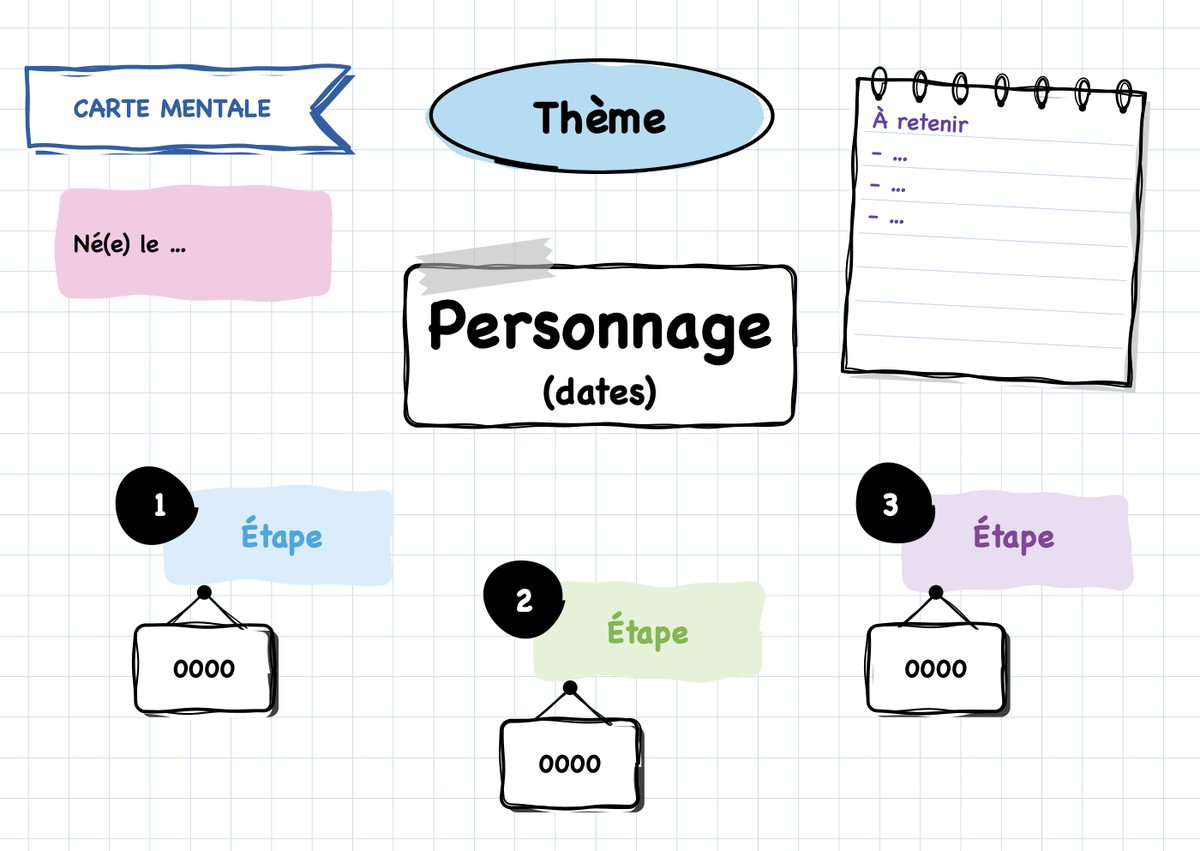
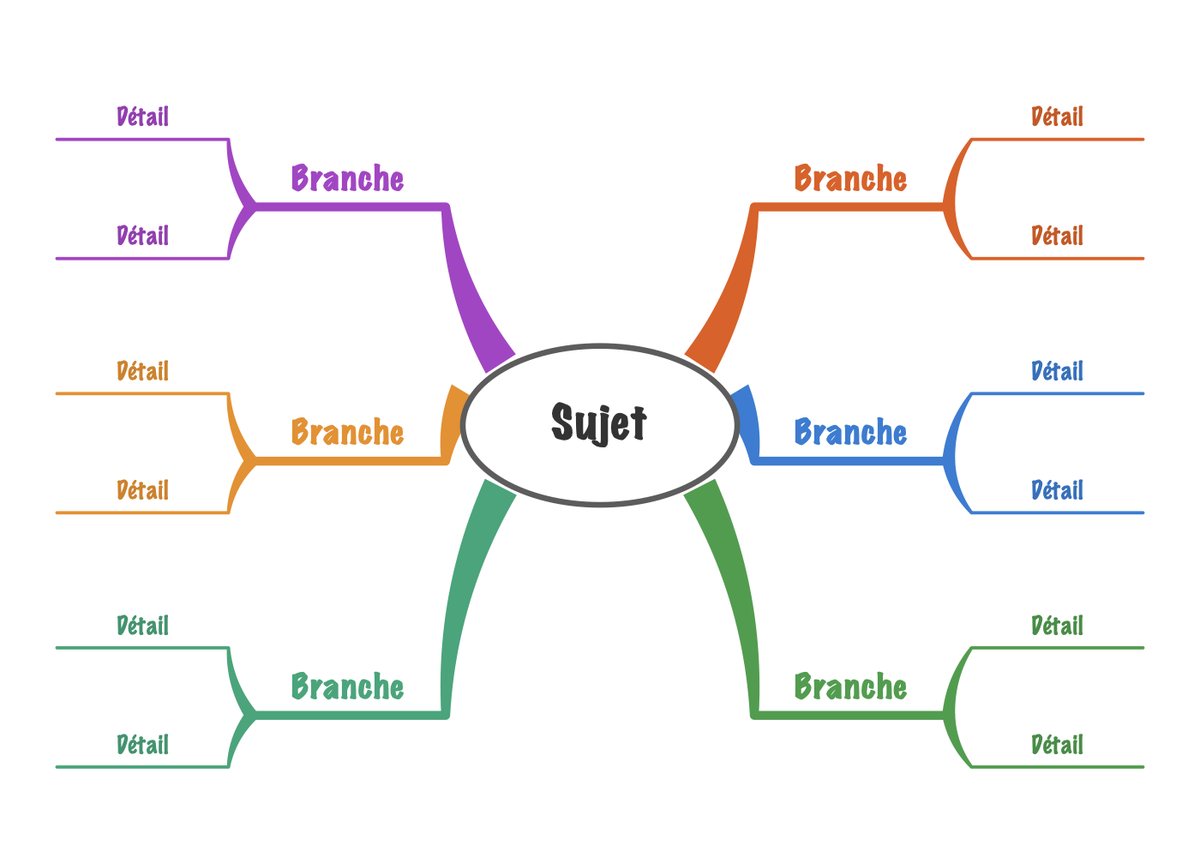
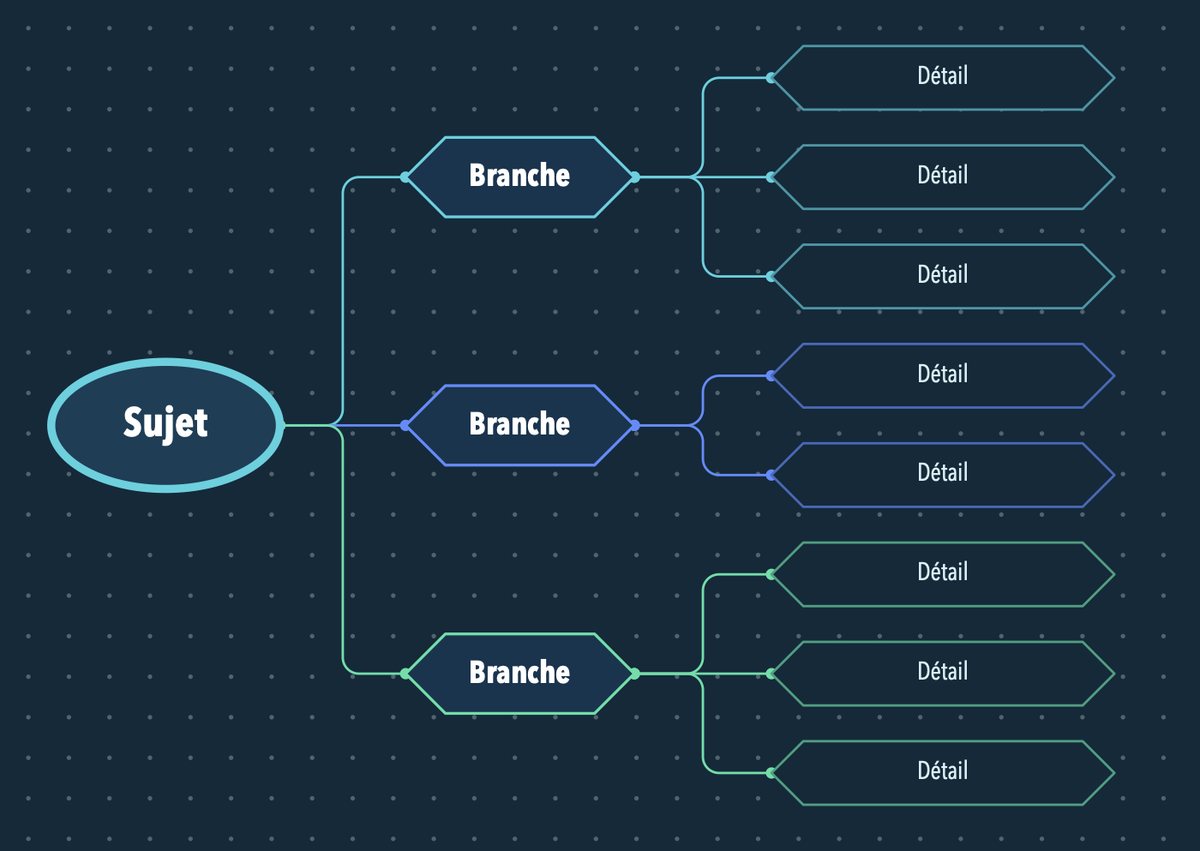
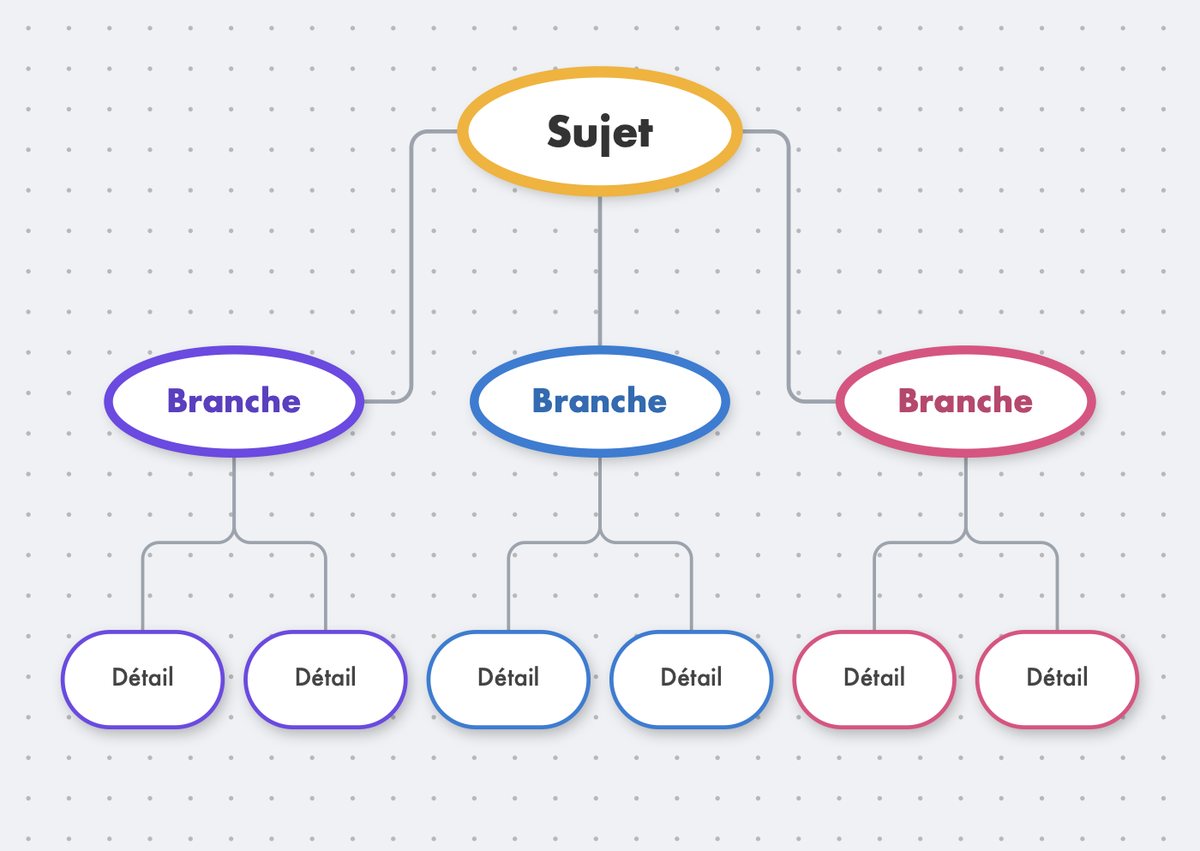
Plus the Elegant pastel style and 9 templates: star, branches, bubbles and arrows, logic tree, org chart, wheel, timeline, revision sheet, blank page.
Learn it,
by playing.
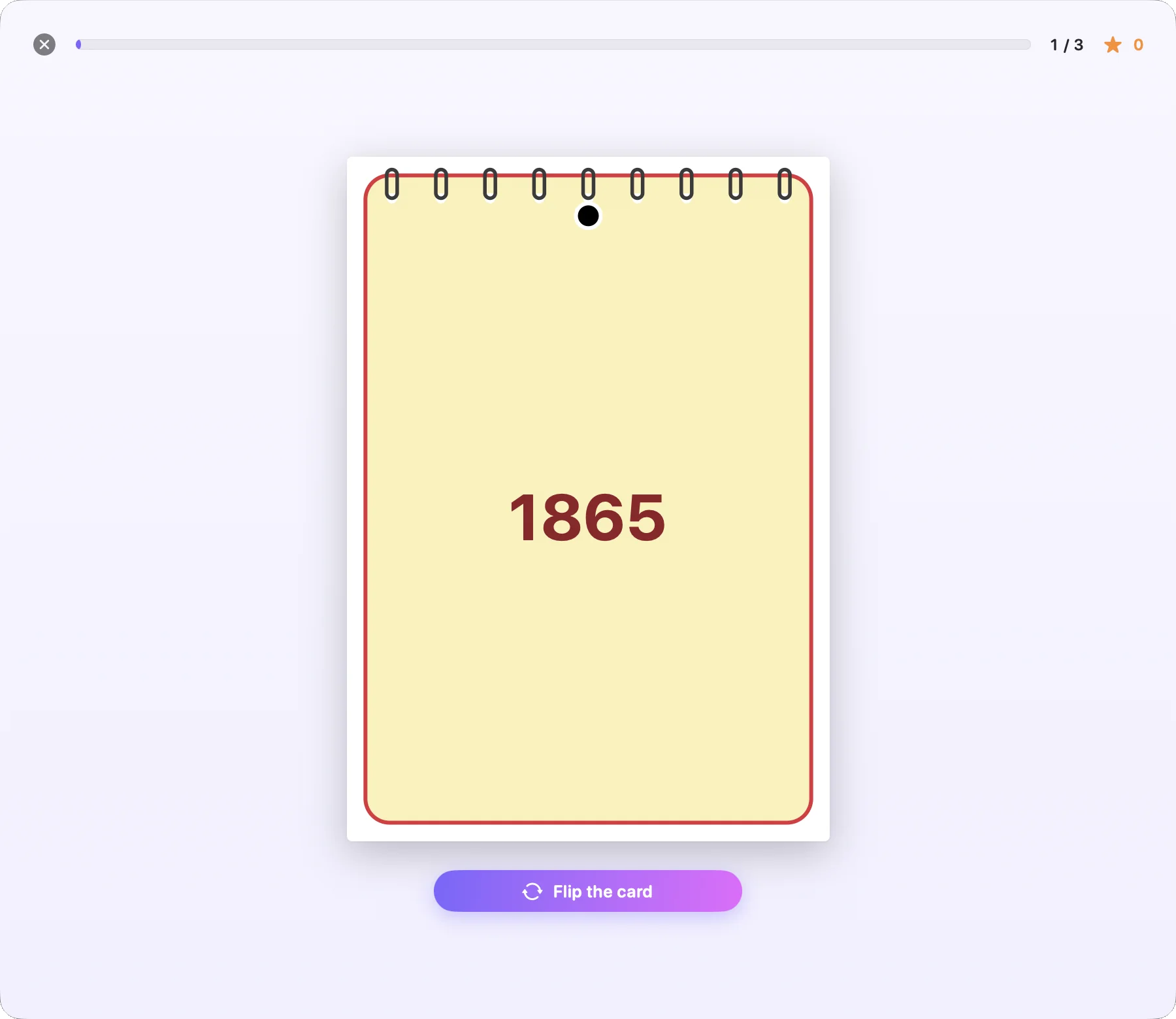
Pick the decks to review from a large list, with folders and search. Flip the cards, answer a multiple-choice quiz or type the answer: cards look exactly as printed, formulas included. The Leitner method brings known cards back later and later, and missed ones the next day; difficult cards reprint in one click.
Check it
before you print.
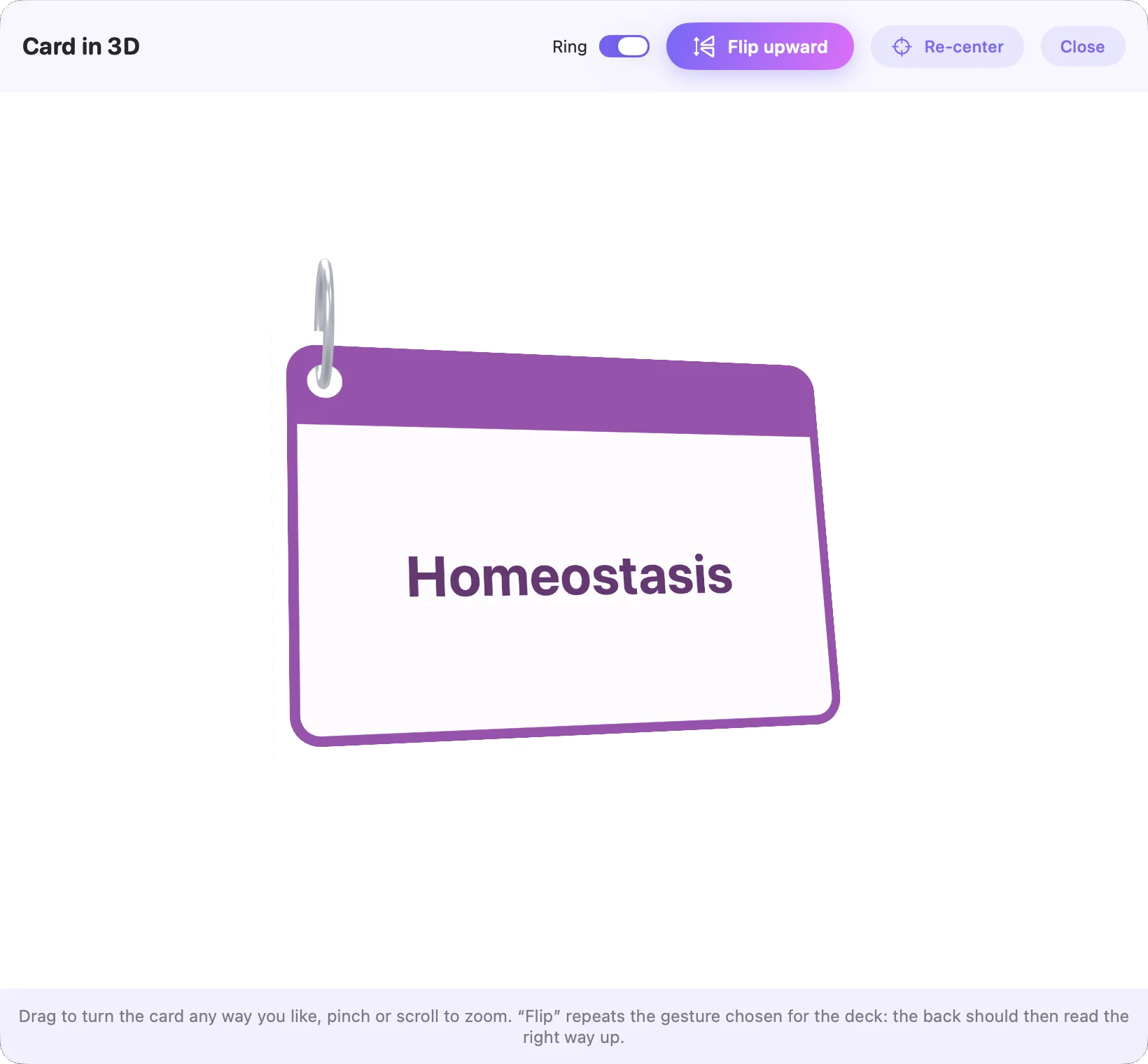
Turn the cut card every which way: the back, the ring hole, which way it reads. You see it all before using a single sheet.
And so much more.
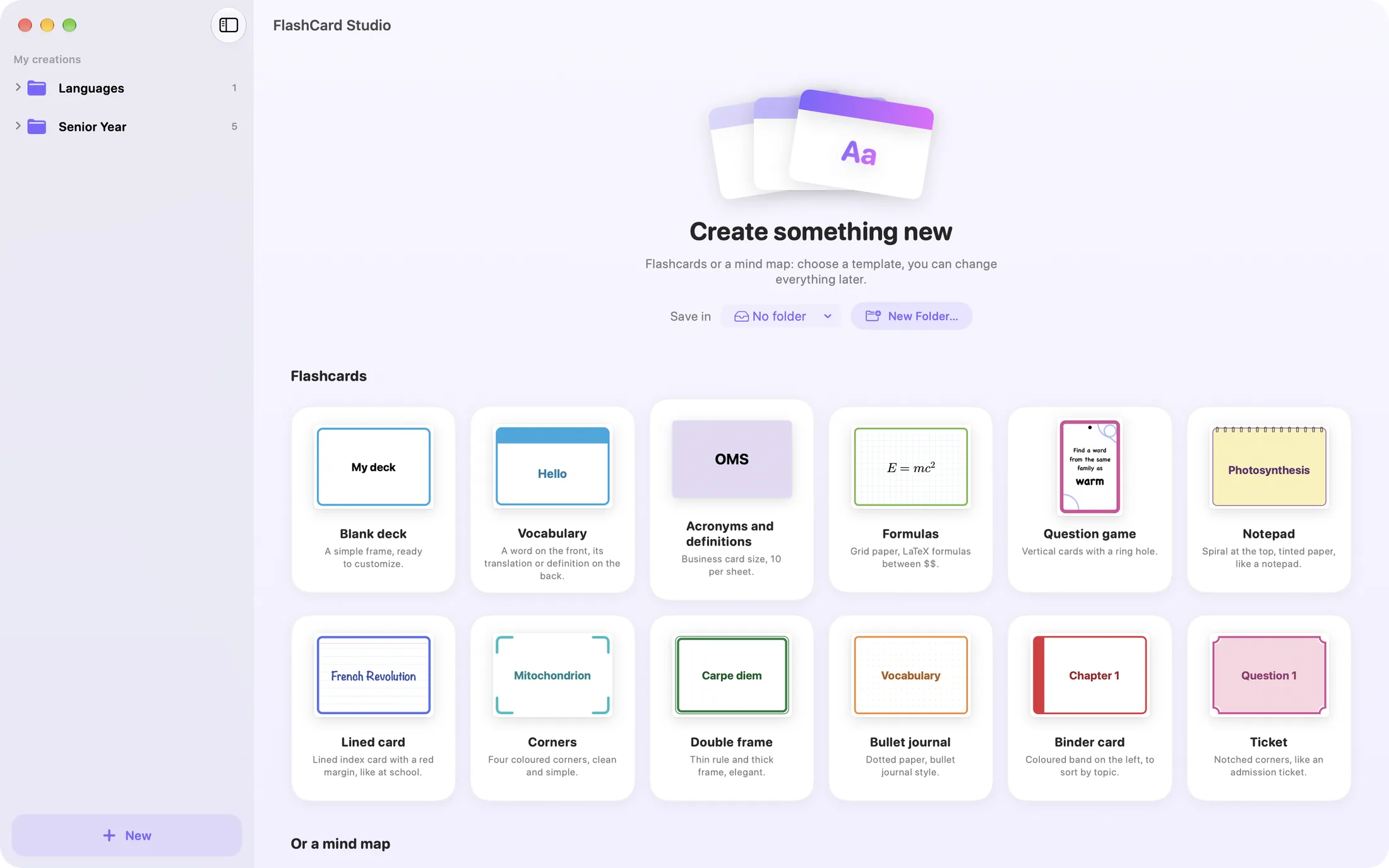
Everything starts from one screen.
One “New” button: all 12 deck templates and every mind map, previewed and ready to use — and the folder to put them in.
Scientific formulas
Equation editor with a palette (fractions, roots, sums, matrices, chemistry), and direct pasting from Word or the web.
Cut with a Cricut
Print your cards and let a Cricut Maker 3 cut them, rounded corners and ring holes included — one or more per card.
iCloud and sharing
Your work follows you from Mac to iPad. Share decks or an entire folder via AirDrop, Messages or Mail — the same file opens on Windows too.
Spell checking
Mistakes are underlined as you type, in all five languages of the app.
Copy the style
Font, colours, template, text and image placement: paste one card's style onto the selection with a shortcut.
Titles and icons
The subject or chapter in each card's header, styled your way (font, size, colour, bold, italic), an icon on either side, aligned left, centred, right or next to the hole.
12 templates, every font
Frame, header, notepad, dot grid, label… and every font on your Mac and iPad.
Saves paper
The size that fits the most cards per sheet, the sheet count always shown, difficult cards reprinted on their own.
In five languages
English, French, German, Spanish and Italian, including the printed calibration sheet.
Your cards stay yours.
Creating, laying out and printing your cards all happens on your device. With iCloud, they sync between your Mac and iPad in your private iCloud storage: nobody else can access it, not even the developer. On Windows, they stay on your PC.
- Works without a connection or iCloud too
- No account, no sign-up
- No usage data collected
A question, a problem?
FlashCard Studio is made by one person. Write directly: every message is read and gets a real answer.